

For UAE construction, contracting and MEP teams, construction item barcode inventory ERP workflows can connect physical stock checks with item records, quantities and costs. The practical objective is not merely scanning: it is ensuring that the selected store, item and quantity are recorded consistently during stock taking and adjustments.

Start with a controlled item record
Inventory accuracy begins when the system identifies the intended item. In Blueberry ERP stock-taking and adjustment screens, users can scan or enter an item barcode. The system then uses the selected store and barcode lookup to populate item information such as item code, item name, origin, brand and cost. Item code and item name are read-only after lookup in the documented details grid.
This matters when construction stores hold similar materials or items with different identifying attributes. A controlled lookup reduces the risk of entering a quantity against the wrong item record. If an invalid item code is entered in the documented price-history workflow, Blueberry ERP displays “Please select valid item code” and clears the item details. That validation behaviour supports a disciplined process for reviewing item records before relying on price or stock information.
Choose the right inventory control workflow
Stock taking and stock adjustment both use barcode-led item entry, but they serve different control points. Stock taking records the physical count for a store or branch and calculates the variance between system quantity and actual quantity. An adjustment records a stock change and requires users to select an adjustment type, such as Stock Adjustment or Weight Loss.
| Control point | Stock taking | Stock adjustment |
|---|---|---|
| Store selection | Select a store or branch; available items depend on the selected store. | Select a store or branch before entering the adjustment. |
| Item identification | Scan or enter the barcode; item code and item name are auto-filled after lookup. | Scan or type the barcode; item details, current system quantity and cost are loaded. |
| Quantity control | Enter actual quantity; variance is calculated automatically against system quantity. | Enter the physically counted quantity; the variance is calculated automatically. |
| Document purpose | Compare recorded system quantity with the physical count. | Record a selected stock adjustment or weight-loss transaction. |
Make item and quantity review part of the process
For project stores, a useful review sequence is straightforward: select the store, scan or enter the barcode, confirm the populated item details, enter the actual quantity, and review the calculated variance before submitting the line. The stock-taking and adjustment documentation also identifies store and profit-and-loss accounts; these are required when creating a journal voucher. This gives finance and project teams a defined point for checking the accounting context of an inventory transaction.
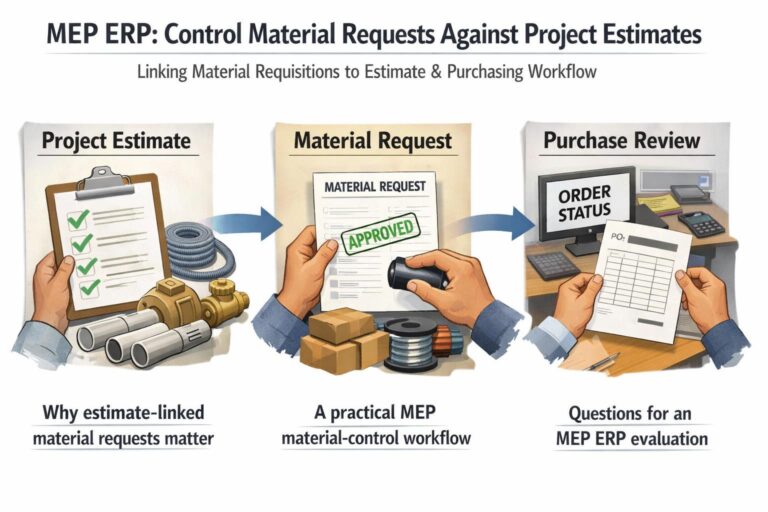
Where procurement is linked to project estimation, material requisition rules can validate items against activity or sub-activity totals, and a setting can prevent quantities from exceeding estimation quantities. That provides a separate purchasing control alongside the store-level barcode and quantity checks. Together, these workflows give construction and MEP decision-makers a clearer basis for reviewing item identity, stock movement and project-related quantities.
Blueberry ERP is built for construction-focused operations. Explore the Blueberry ERP platform to assess how its Accounts, Procurement, Inventory and Projects workflows may fit your operating process.