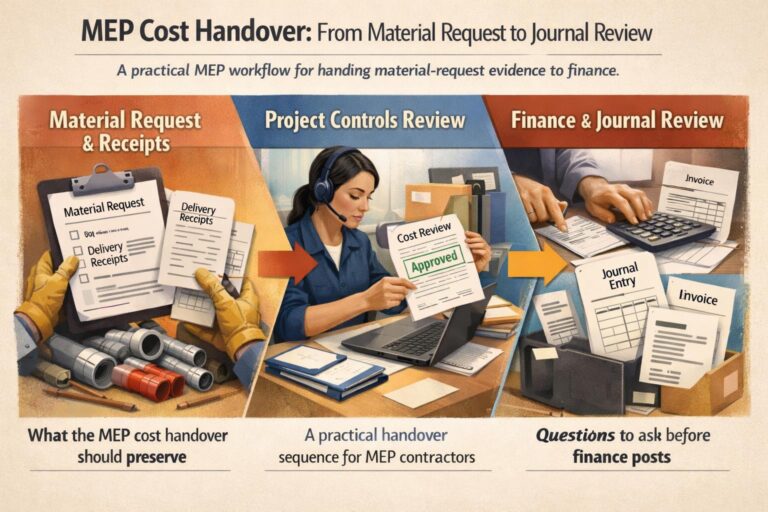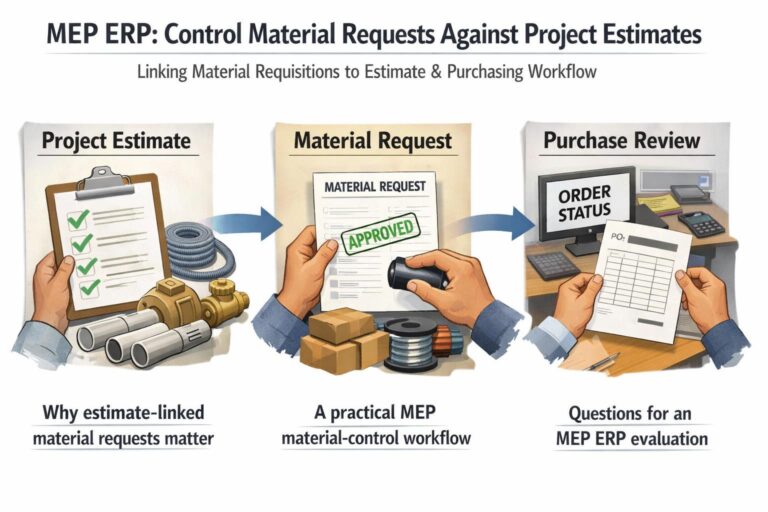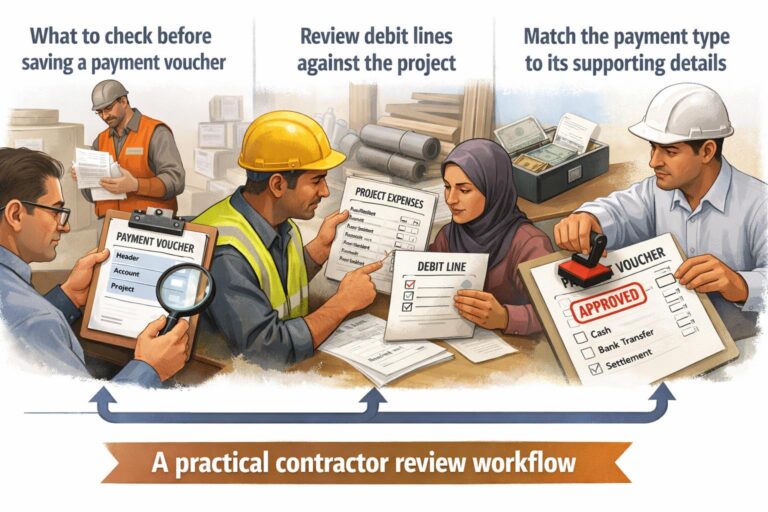


For UAE contractors, an approved local purchase order (LPO) can represent a project cost commitment before the supplier invoice arrives. A controlled review should connect the request, project, store or activity, approval evidence, and later purchasing records without treating an approval as proof that materials were received or an invoice was posted.
What an LPO commitment review should confirm
Start with the project and purchasing context. Confirm that the LPO is associated with the intended project, supplier, items, quantities, prices, currency, and approval record. Keep the commitment distinct from actual cost: an approved LPO indicates an authorized purchasing decision, while receipt and accounting review provide later evidence.
| Control stage | Review question | Evidence to retain |
|---|---|---|
| Request | What need initiated the purchase? | Material request, item, project, store or activity |
| Approval | Who authorized the commitment? | LPO status, approver and approval date |
| Purchase review | Is the price and scope reasonable? | LPO lines and item price history |
| Receipt | What was actually received? | Goods receipt and quantity check |
| Accounting | What amount became recorded cost? | Invoice, voucher and project classification |
Use ERP evidence to investigate exceptions
BlueberryERP documentation describes Item Price History filters for item, date range, activity, sub-activity, project and store. The screen also identifies the latest order price from the most recent LPO by document date and can provide LPO details. These controls can help a finance or procurement team investigate an unusual LPO price, but they do not by themselves prove approval, delivery, or value for money.
For the request trail, the documented MRQ History filters include item, activity, sub-activity, creator, requester and project. Compare that request context with the LPO before treating the commitment as project-related. After receipt and accounting review, classify the resulting transaction using the applicable project and account controls.
A practical review sequence for contractors
- Open the request and confirm the project, store or activity.
- Review the LPO approval record and compare approved lines with the request.
- Use Item Price History to investigate item pricing by project, store and date range.
- Separate ordered, received and invoiced quantities.
- Escalate missing approval, unexplained price changes or mismatched project coding.
Blueberry ERP is designed to help contracting teams control projects, costs and business information through connected ERP workflows. Teams can explore the Blueberry ERP platform and define approval and review responsibilities during implementation.