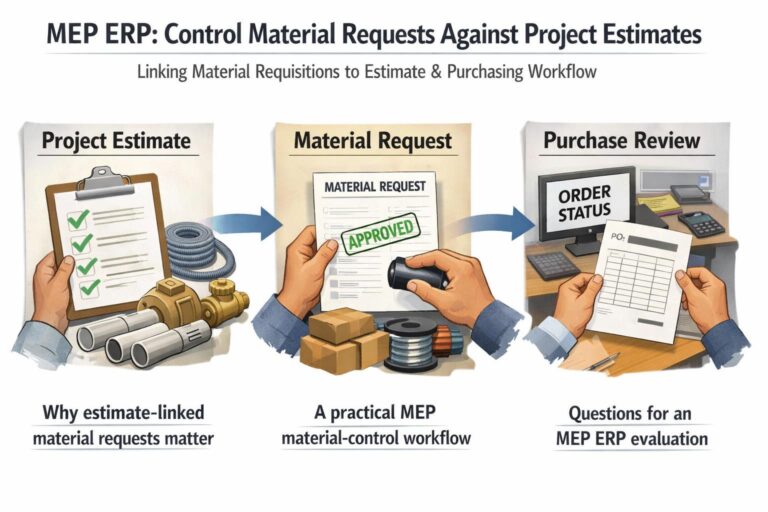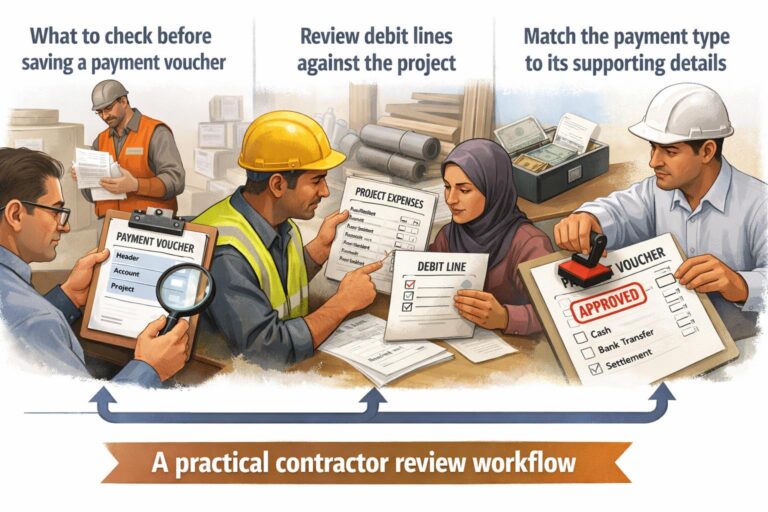


Material issued to a project store needs a traceable control point. For UAE construction and MEP teams, the practical question is not only how much material was requested, but which project or store requested it, who requested it, which activity it supports, and whether a later issue or return should remain connected to the original record.
BlueberryERP’s documented Material Requisition workflow provides the starting evidence for that review. A requisition can be associated with a project or store, and its history can be filtered by item, activity, sub-activity, project, creator, and requester. The manual also identifies Store Issue Vouchers as a linked document that can prevent editing once the requisition is locked.
What to check before a material issue
Begin with the material requisition rather than treating a store issue as an isolated transaction. Confirm the request context, then review the item and quantity before the material leaves the store.
| Control point | Documented review | Why it matters |
|---|---|---|
| Request source | Identify whether the MRQ is linked to a project or store. | Separates project demand from inventory replenishment. |
| Material identity | Review the selected item code, item name, unit of measure, activity, and sub-activity. | Reduces ambiguity when similar materials are requested. |
| Quantity context | For project MRQs with estimation, review the requisition balance. | Shows the remaining estimation quantity available for requesting. |
| Responsibility | Use requester and creator filters in MRQ history. | Creates a clearer review trail for exceptions. |
How to review issues and later returns by project store
Use the store or project association as the review dimension. A store MRQ requests materials for inventory, while a project MRQ is linked to a project and may use project estimation to control quantities. This distinction helps the storekeeper and project team ask whether the transaction belongs to shared stock or a specific job.
- Filter MRQ history by project or store, then narrow the result by item code.
- Review the activity and sub-activity to confirm the operational classification.
- Check the requested quantity and, where applicable, the project requisition balance.
- Before editing or reversing a request, check whether it has linked Store Issue Vouchers or other locking conditions.
- For a return review, retain the original item, quantity, project or store context, and responsible users so the exception can be investigated against the originating request.
The supplied product evidence documents the requisition context and the lock relationship with Store Issue Vouchers. It does not establish an automatic return process, automatic reconciliation, or autonomous approval. Those controls should therefore remain subject to the company’s configured workflow and human review.
A practical control pattern for contractors
| Stage | Primary evidence | Human review question |
|---|---|---|
| Request | MRQ code, project or store, item, activity, quantity | Is the request valid and correctly classified? |
| Issue | Linked Store Issue Voucher status | Was the material released against the intended context? |
| Exception or return | Original request and transaction references | Does the explanation match the requested item and quantity? |
| Review | MRQ history filters by item, project, activity, requester, and creator | Can the team identify the responsible record and follow-up? |
For a construction ERP implementation, this pattern gives project managers, store teams, and finance reviewers a shared starting point. BlueberryERP can be evaluated as part of a broader process for connecting project and store records, with the final operating rules confirmed during implementation.
Learn more about BlueberryERP at Blueberry Software.