


Construction finance teams often post journal vouchers across projects, branches, cost centers and accounts. A small field error can send an amount to the wrong project or leave an entry unbalanced. A repeatable review before posting helps create a clearer audit trail and gives finance leaders a practical control point.
Five validation checks before posting
| Check | What to verify | Why it matters |
|---|---|---|
| 1. Header completeness | Voucher code is present, has at least six characters and is unique; voucher date is valid and not in a closed year; branch is valid; description is present and within 500 characters. | Prevents incomplete or conflicting transaction headers. |
| 2. Account validity | Each account is valid, active and low-level. Confirm it is not on hold or suspect. | Reduces the risk of posting to an unavailable or unsuitable account. |
| 3. Debit and credit discipline | Each line has either a debit or a credit greater than zero, never both, and never neither. | Keeps individual lines unambiguous for review. |
| 4. Project and cost-center fit | Where project validation applies, confirm the account is valid for the selected project. Confirm the cost center is active and belongs to the selected branch. | Connects the entry to the intended project classification. |
| 5. Balance and minimum lines | Confirm total debit equals total credit and that the voucher contains at least two lines, including a debit and a credit. | Supports a balanced journal entry before it is saved. |
A practical review sequence for contractors
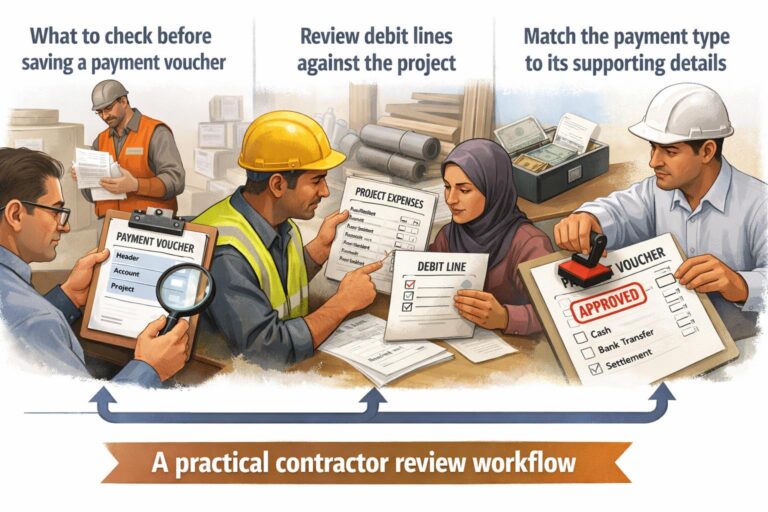
Start with the header because a valid line cannot compensate for a missing branch, invalid date or duplicate voucher code. Next, review each account and its project or cost-center relationship. Then inspect the debit and credit columns line by line. Finally, compare the totals and confirm that the entry has at least two lines.
For example, a project cost adjustment should identify the relevant project when project validation applies, use an active account, and assign a valid cost center for the branch. The description for each line should remain within the documented 200-character limit, while the overall voucher description should remain within 500 characters. These checks are specific to the journal voucher evidence documented for Blueberry ERP; they are not a substitute for an organisation’s accounting policy or professional review.
How Blueberry ERP supports the check
Blueberry ERP documents required journal-voucher fields, account and classification validation, debit-or-credit controls, duplicate-account prompts for the same account and branch combination, and balance checks. Finance teams can use these documented controls as a consistent review framework for construction transactions. For product context, visit Blueberry ERP.
The safest operating habit is to resolve validation messages before saving, retain a clear line description, and obtain the appropriate human approval under the company’s own controls. This keeps the journal review grounded in the transaction details rather than relying on assumptions about project or account treatment.