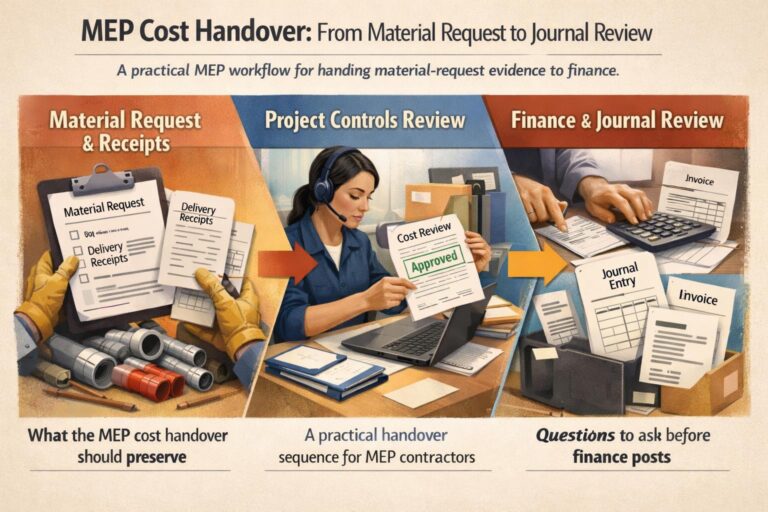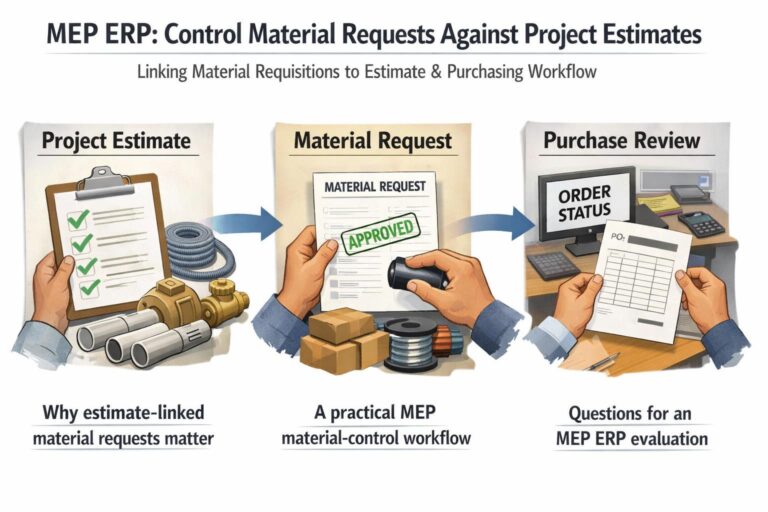


Duplicate LPO references can weaken procurement review, especially when construction teams compare material requests, supplier records and purchasing history across projects. A controlled construction ERP process should make reference uniqueness visible before an order moves forward.
Why duplicate LPO references create control gaps
An LPO reference is useful only when it identifies one purchasing event clearly. Repeated or ambiguous references can make it harder to connect an order to the correct material request, project, store, supplier or item-price record. This can lead to avoidable investigation during procurement and finance review.
BlueberryERP’s documented purchasing controls provide related evidence for this review. Material requisitions have a unique code and can carry statuses such as Pending, Partially Ordered or Fully Ordered. The Items Price History screen can be filtered by item, activity, project, store and date range, while its records include LPO context and the latest order price based on the latest document date.
A practical duplicate-reference checking process
| Stage | Check | Evidence to retain |
|---|---|---|
| 1. Request | Confirm the material request code and its project or store context. | Unique MRQ code, item, project and requester |
| 2. Order preparation | Search relevant purchasing history before assigning or approving the LPO reference. | Item, date range, activity, project and store filters |
| 3. Reference review | Check that the proposed reference is not already used for another purchasing event. | Reference, supplier, document date and order context |
| 4. Exception handling | Pause the transaction when the reference or context is unclear and obtain human review. | Reviewer decision and supporting records |
Using ERP search evidence for a cleaner review
Start with the material request code when the purchase originated from an MRQ. The documented MRQ history supports filtering by item code, activity, sub-activity, creator, requester and project-related information. Then use Items Price History to narrow the review by date, project, store or activity. Selecting a specific item displays its price history, and the screen can show the related LPO details for further investigation.
This approach does not prove that every duplicate reference is invalid. It creates a repeatable evidence trail so a purchasing or finance reviewer can distinguish a genuine repeated transaction from a data-entry error, a copied reference or an order requiring correction.
Controls for UAE construction and MEP teams
For contractors managing several projects, stores or activities, make the reference check part of the procurement handoff. Require the requester or buyer to identify the MRQ, project and supplier context, and require a human reviewer to resolve exceptions before downstream accounting work. BlueberryERP’s documented MRQ statuses and purchasing-history filters can support this review when configured and used by the team.
To assess how BlueberryERP could fit your procurement controls, visit Blueberry Software.